Anonymous Browsing in 2026: How to Be Anonymous Online
Anonymous Browsing in 2026: How to Actually Be Anonymous Online
You’ve probably realized by now that clicking that little fedora or private-window icon in your browser is mostly privacy theatre. It hides your late-night snack searches and surprise-gift shopping from anyone sharing your device, but it leaves you completely wide open to the rest of the world.
Most guides on this topic claim that true anonymity is impossible, right before trying to sell you the same generic list of tools. This is not that guide.
We’re treating anonymity as a spectrum: a series of layers you stack based on who you’re actually trying to hide from. Whether you want to stop creepy targeted ads, bypass annoying geo-blocks on your favorite streaming platforms, secure your connection on public Wi-Fi at a coffee shop, or protect your traffic from deep packet inspection, we’ll show you how to build a stack that fits your specific threat model. And more importantly, we’ll show you how to prove it's actually working.
So, what does anonymous browsing actually mean, and how can you build a bulletproof system using FoxyNet? Let's dive in.
What Anonymous Browsing Actually Means in 2026
Unlinkability vs Privacy: Understanding the Difference
Anonymous browsing means using the internet so your online activity cannot be tied back to your real-world identity. In technical terms, the core goal is unlinkability. When you browse the web normally without protection, you leave a massive digital footprint that internet service providers (ISPs), advertisers, and data brokers stitch together to build a comprehensive profile of your life. Unlinkability ensures that while an observer might see that someone is visiting a website or downloading a file, they have no mathematical or logical way to link that action to your name, home address, or specific device.
However, anonymity and privacy are two different concepts. Privacy is about controlling who sees what you're doing—like an encrypted message that only the intended recipient can read. Anonymity is about hiding who you are while you do it. You can have privacy without anonymity, and you can be anonymous without having absolute privacy.
Moving Beyond Binary Thinking: Anonymity as a Spectrum
Most people talk about anonymity like it’s a binary switch: you’re either a complete digital ghost or you’re totally exposed. In reality, anonymous browsing is a spectrum. Where you land depends entirely on what tools you stack and who is trying to find you. Someone trying to avoid targeted shoe ads requires a much simpler setup than a journalist working under oppressive censorship or a remote worker evading corporate surveillance on an unsecure public network.
Understanding your threat model is the first step toward reclaiming your digital sovereignty. Once you accept that anonymity is about managing risk rather than achieving absolute perfection, you can start building a practical, layered defense system.
Anonymous Browsing vs. Incognito Mode: Clearing Up the Confusion
Why Incognito Mode is Local Storage Cleanup
You’ve probably been using incognito mode for years and, at some point, realized it’s a bit of a scam. Maybe you searched for a very specific topic in a private tab, only to have a targeted ad for it pop up on your social media feed five minutes later. It feels like your computer is gaslighting you, but the system is actually working exactly as designed.
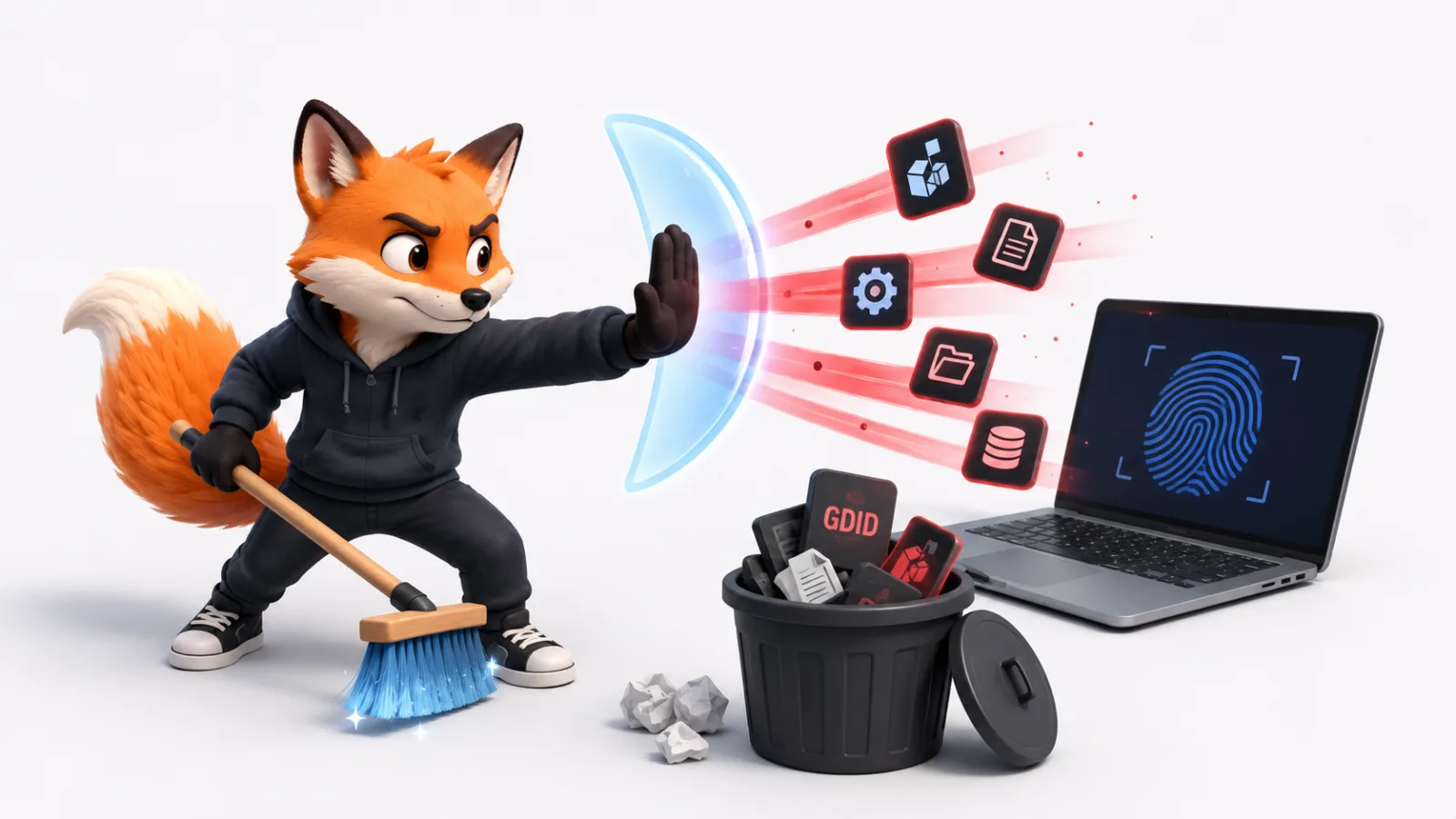
Incognito mode—or private browsing—is essentially "Forgetful Mode" for your own laptop. It tells your browser: "Hey, when I close this window, delete the local history, cache, and cookies so nobody sharing this physical device sees what I was doing." That’s it. It’s a local cleanup crew. It does not protect you from being tracked online by your ISP, corporate network administrators, advertisers, or the websites you visit.
The Myth of the VPN + Incognito Super Shield
A common misconception is that combining a VPN with an incognito tab creates a super-powered ghost mode. In reality, the VPN is doing 99% of the heavy lifting. Adding an incognito tab to a VPN connection is like wearing a fake mustache while sitting inside an armored tank: it doesn't hurt, but the tank is the part actually stopping the incoming threats.
Incognito mode is fine if you’re shopping for a birthday gift on a shared family laptop, but it is not a networking anonymity tool. To truly protect your data from external observers, you need to address the underlying network and browser layers.
| Feature | Regular Browsing | Private / Incognito | Anonymous Browsing |
|---|---|---|---|
| Hides history from your local device | No | Yes | Yes |
| Hides network activity from your ISP | No | No | Yes |
| Hides your IP address from websites | No | No | Yes |
| Blocks third-party tracking cookies | No | Mostly | Yes |
| Mitigates browser fingerprinting | No | No | Yes |
How Websites Identify You: Uncovering the Tracking Surface
IP Addresses and Digital Footprints
Your IP address is your digital home address. It is the most basic way websites identify your rough physical location and determine which ISP you are paying. While it is relatively easy to mask, mobile IPs change constantly, and carrier-grade NAT means you might share a public IP with hundreds of other people on the same network. Still, leaving your real IP exposed is like shouting your home address to every server you communicate with.
First-Party vs. Third-Party Cookies
Cookies are small text files stored by your browser. First-party cookies remember your login state or what items are in your shopping cart, which improves usability. Third-party cookies, however, are tracking vectors deployed by ad networks to follow you across different websites, building a cohesive map of your daily interests and habits.
Browser Fingerprinting and Account Tracking
Even if you mask your IP address and clear your cookies, your browser is remarkably talkative. It eagerly shares your screen resolution, installed system fonts, timezone, language preferences, canvas rendering hashes, and WebGL specs. Combined, these details create a browser fingerprint that is uniquely yours.
Furthermore, if you stay logged into major tech accounts while browsing, all technical anonymity layers are instantly bypassed. The moment you sign in, you link your browsing session directly to your real-world identity.
Building Your Anonymity Stack with FoxyNet
Tier 1: The Casual Stack for Everyday Protection
If you are an average internet user fed up with intrusive tracking, bandwidth throttling by ISPs, or geo-blocks while traveling, you need a streamlined casual stack.
- Keep a reliable VPN running on all your devices at all times.
- Use a privacy-focused browser like Brave or Firefox.
- Install a robust ad and tracker blocker.
- Switch your default search engine to a privacy-first alternative like DuckDuckGo or Brave Search.
This setup effectively kills IP-based tracking, prevents ISPs from logging your DNS queries, and stops casual fingerprinting.
Tier 2: The Concerned Citizen Stack Against ISPs and Data Brokers
For privacy-aware professionals and remote workers who want absolute unlinkability against commercial data brokers and local network snoops, you need deeper technical resilience.
- Combine your always-on VPN with an OS-level firewall that blocks all non-VPN traffic.
- Enable encrypted DNS (DNS over HTTPS or TLS) routed directly through your secure tunnel.
- Utilize privacy-first email services with alias generation features.
- Move all credentials into an audited password manager.
Tier 3: The High-Risk Stack for Activists and Whistleblowers
High-risk users—such as investigative journalists, activists, or whistleblowers facing motivated adversaries—require a rigid operational framework.
- Route your traffic through specialized anonymity networks like Tor in a strict VPN-then-Tor configuration.
- Use dedicated hardware or live operating systems like Tails that leave zero traces on local storage.
- Maintain strict identity hygiene with zero reused usernames or personal account logins.
Leveraging FoxyNet Protocols: VLESS Reality, OpenVPN, L2TP, and IKEv2
To build these stacks effectively, you need versatile connection protocols tailored to different network conditions:
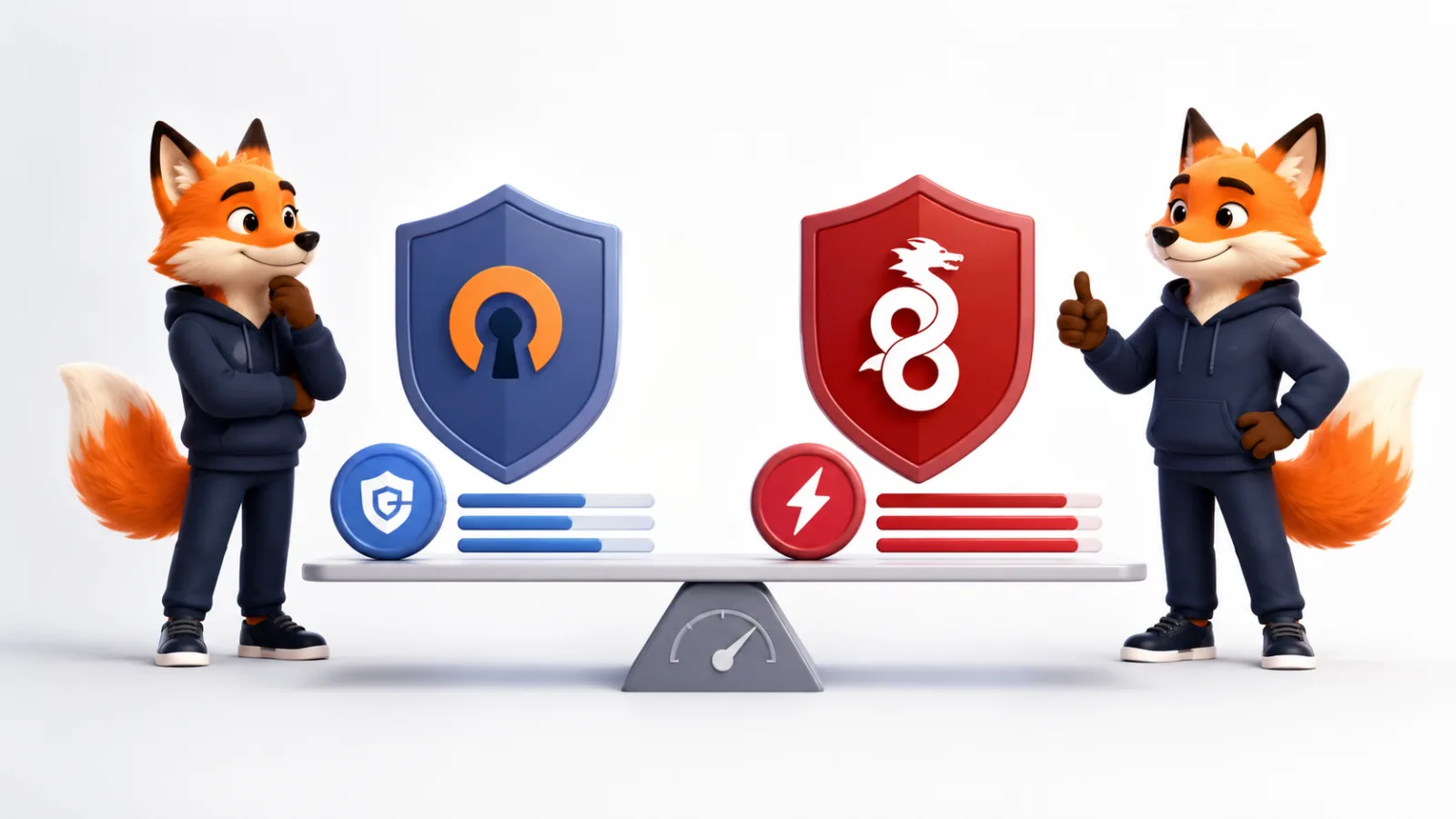
- VLESS Reality: A state-of-the-art protocol from the v2ray family designed specifically to bypass strict deep packet inspection (DPI) and firewall censorship. FoxyNet supports both Tunnel and Direct modes, masquerading your VPN traffic so it blends seamlessly with standard HTTPS web browsing.
- OpenVPN: The gold standard of open-source reliability, offering high configurability and robust encryption across UDP and TCP ports.
- L2TP: A traditional tunneling protocol useful for legacy device compatibility where native client support is required.
- IKEv2: Perfect for mobile devices and users who frequently switch between Wi-Fi and cellular networks, offering lightning-fast reconnections and stable encryption.
Verifying Your Setup and the Limits of Technical Anonymity
Running IP, DNS, and WebRTC Leak Tests
Your anonymity stack is only as strong as its weakest link. Never assume your setup is working; always verify it.
- IP Leak Check: Visit an IP checker tool to confirm your visible location matches your chosen FoxyNet server.
- DNS Leak Test: Ensure your DNS queries aren't leaking back to your local ISP or public resolvers.
- WebRTC Leak Test: Verify that browser-based real-time communication APIs are not exposing your real local or public IP address.
Browser Fingerprint Inconsistency Testing
Use tools like the EFF's Cover Your Tracks to analyze how unique your browser setup appears. Because achieving a completely identical fingerprint across the global web is difficult, your goal is fingerprint inconsistency—rotating your user agent, canvas hashes, and timezone parameters across sessions so trackers cannot correlate your visits over time.
The Glass Ceiling: Behavioral Biometrics and Human Error
Even with a flawless technical fortress, your behavior over time leaves a distinct behavioral silhouette (such as typing cadence, mouse movement velocity, and scroll patterns). Furthermore, the single greatest threat to anonymity is human error—such as logging into a personal account while connected to a secure tunnel. Operational discipline matters just as much as the software you run.
Frequently Asked Questions
Does a VPN make you completely anonymous online?
No. A VPN is an essential tool for hiding your IP address from websites and encrypting your traffic against ISP snooping, but it does not stop browser fingerprinting, tracking cookies, or account-based correlation. True anonymity requires a comprehensive, multi-layered threat-model stack.
Is incognito mode the same thing as anonymous browsing?
Not at all. Incognito mode is strictly a local storage cleanup feature that deletes browsing history and cookies when you close the private window. It offers zero network anonymity and does not hide your traffic from your internet service provider or external trackers.
Can my ISP see my browsing activity if I use FoxyNet?
When connected to FoxyNet using robust protocols like VLESS Reality or OpenVPN, your ISP can only see encrypted data packets moving toward a server address. They cannot see the websites you visit, the content you download, or the specific queries you submit.
How does FoxyNet's VLESS Reality protocol protect my traffic?
VLESS Reality is an advanced v2ray protocol that bypasses aggressive deep packet inspection and network censorship. It masks your VPN handshake to mimic legitimate traffic headed to popular, trusted websites, making it virtually undetectable to advanced firewalls.
Is Tor truly anonymous against state-level adversaries?
Tor provides exceptional anonymity by routing traffic through three encrypted onion nodes, making origin correlation extremely difficult. However, even Tor has theoretical limits if a global passive adversary possesses the capability to monitor both entry and exit nodes simultaneously.
How can I stop browser fingerprinting on Chrome or Firefox?
You can mitigate browser fingerprinting by using privacy-hardened browsers with strict tracking protections enabled, modifying advanced configuration flags (like enabling Resist Fingerprinting in Firefox), or using dedicated anti-fingerprinting extensions that actively randomize device parameters.
Does anonymous browsing significantly slow down internet speed?
Using privacy tools and encrypted tunnels introduces minor overhead due to data encryption and routing distance. However, with high-speed protocols like FoxyNet's VLESS Reality or IKEv2 operating on optimized server infrastructure, speed loss is minimal and rarely noticeable during daily browsing.
Conclusion
Achieving true anonymity online isn't about finding a single magical piece of software; it’s about understanding your personal threat model and thoughtfully layering the right technical defenses. From simple habits like ditching invasive browsers and managing cookies, to deploying advanced network protections like FoxyNet's state-of-the-art VLESS Reality and OpenVPN protocols behind an ironclad system firewall, every step you take puts you back in control of your digital footprint.
Privacy and unlinkability are fundamental human rights in our increasingly monitored digital landscape. By moving past the false security of incognito tabs and embracing disciplined, verifiable security practices, you can navigate the internet on your own terms.
Ready to take control of your digital privacy and secure your connection against trackers, ISPs, and snoops? Head over to FoxyNet today, choose the connection protocol that fits your lifestyle, and experience the web the way it was meant to be browsed: open, secure, and entirely your own.
Related Articles